> For the complete documentation index, see [llms.txt](https://docs.vyper.trade/llms.txt). Markdown versions of documentation pages are available by appending `.md` to page URLs; this page is available as [Markdown](https://docs.vyper.trade/vyper/dens/setup-alerts.md).
# Setup Alerts
## Overview
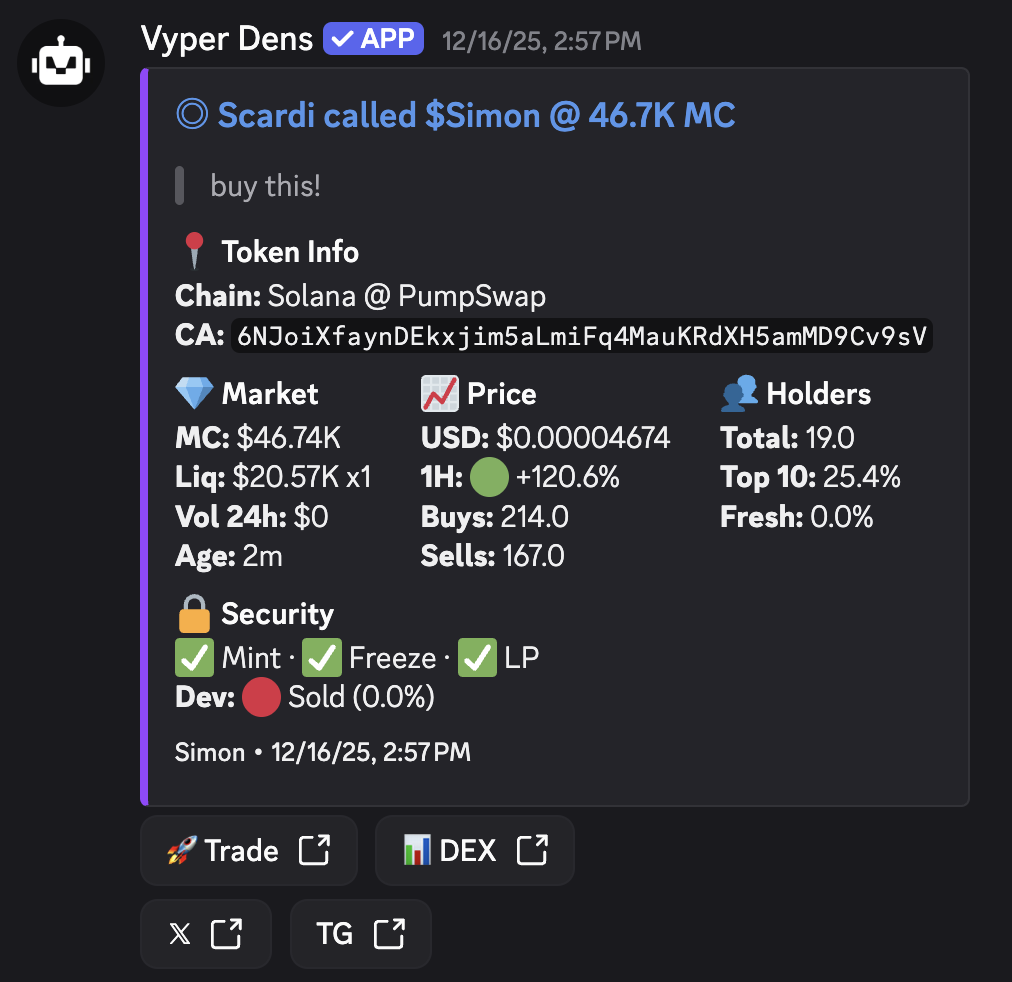
Traders can set up their alert settings for who they get alerts from and where they get alerts forwarded too (Optional: Discord/ Telegram)
## Advanced Alert Settings
Traders can set up custom alerts for each user in each Den they're apart of.
* Enabled/ Disable Notifications: Mass enables/ disables all alert types for all Den user
* Enable/ Disable TG: Mass enables/ disables Telegram alerts for all Den users
* Enable/ Disable Discord: Mass enables/ disables Discord alerts for all Den users
## Alerts Formats: