> For the complete documentation index, see [llms.txt](https://docs.vyper.trade/llms.txt). Markdown versions of documentation pages are available by appending `.md` to page URLs; this page is available as [Markdown](https://docs.vyper.trade/vyper/track/twitter-x.md).
# Twitter (X)
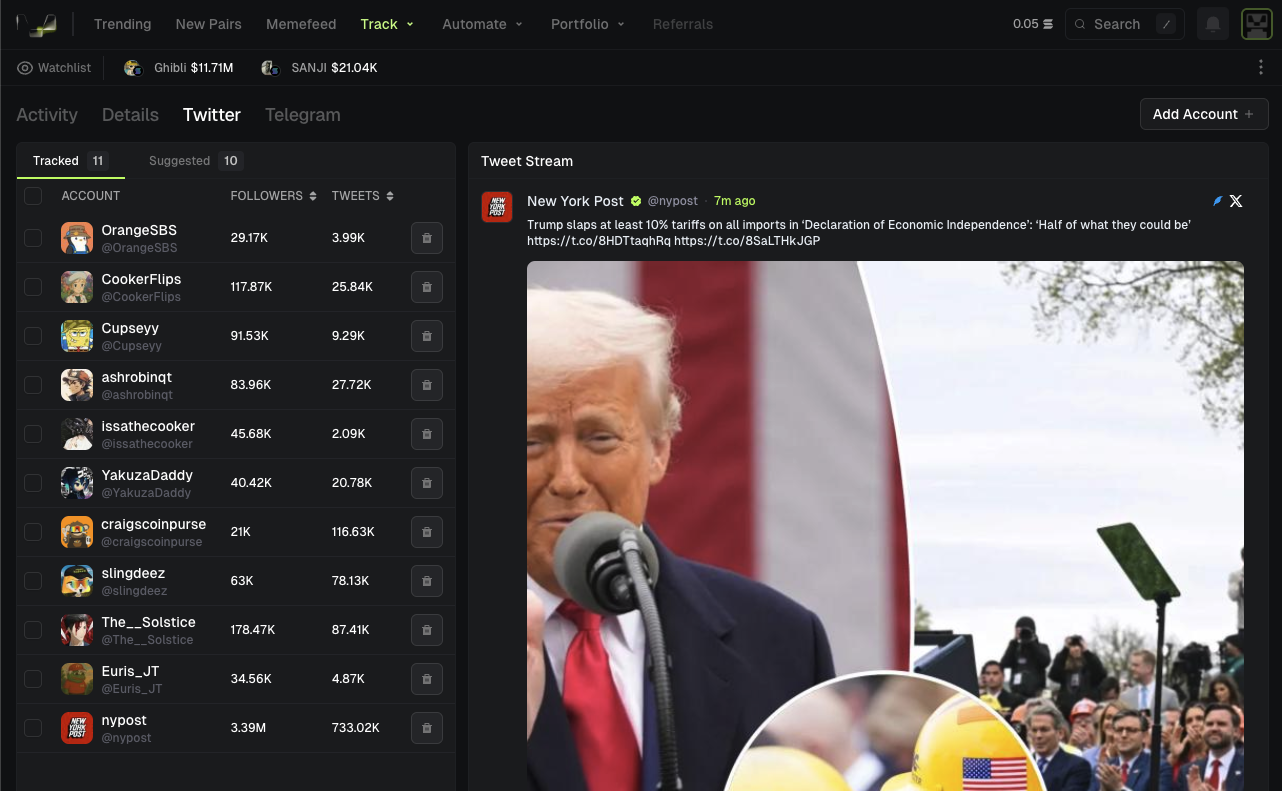
Stream interactions from twitter (X) accounts in Vyper
Vyper Twitter Tracker
## Add Accounts
1. Press add account
2. Input the account's username
3. Press save
## Suggested Accounts
Press the suggested tab to view popular accounts other traders have suggested or follow
## Twitter Stream Side Panel
Social Steam Side Panel
Stream twitter interactions from every page on Vyper. Press the "Tweets" button on the left side of the footer to pull up the social stream side panel.